
TABLE OF CONTENTS
What is Custom Branding?
Custom Branding comes in two parts: Custom Email Templates and a Custom URL.
- Email Templates: Use your organization's logo and color scheme to provide a cohesive feel for your internal teammates and external talent. Even more important, you get to choose your Send From Name & Email to ensure high deliverability and adoption rates.
- Custom URL: Use your company's domain instead of Worksuite. For example, instead of company.worksuite.com, you can choose talent.yourcompany.com. It can be any subdomain of a domain your company owns. It can be helpful for your business's online presence since it's easier to remember.
In-app branding
Every Worksuite account can be branded inside the application. Admins set the company name under Settings > Account settings, and the logo and colors under Settings > Company profile. To learn how, see Account and Personal Settings.
Custom URL
Your Worksuite account URL is created in the following format:
https://company_name.worksuite.com
You can request a custom URL designed to match the company's main URL and re-direct your freelance talent to the correct location. For example:
https://freelancers.company_domain.com or https://talent.company.com
How to get a custom URL
Note: The company domain manager should be included in the communication to expedite the process!
1. To start, email your Business Solution Architect or Worksuite Support at support@worksuite.com with:
- Desired custom URL, for example https://freelancers.company_domain.com or https://talent.company.com
2. Once all the details are provided, our Product team will produce the DNS CNAME and will facilitate it to your domain manager.
3. The domain manager creates the CNAME in their domain.
4. Let your Worksuite contact know once the CNAME record is in place.
5. The Worksuite product team will finalize the configuration and test the desired custom URL.
6. Once the new custom URL has been tested and verified, you will be notified of completion. At this point, the new URL is live!
Please note that this process takes 1-2 weeks to be completed.
Custom Branded Emails
General Information
All emails sent by the Worksuite platform are based on a set of templates. By default, these templates have your company name in the text and Worksuite branding in the header/footer areas.
You can ask us to update these templates with your logo and colors. This provides a more cohesive feel for internal teammates and external talent. Please see an example below:
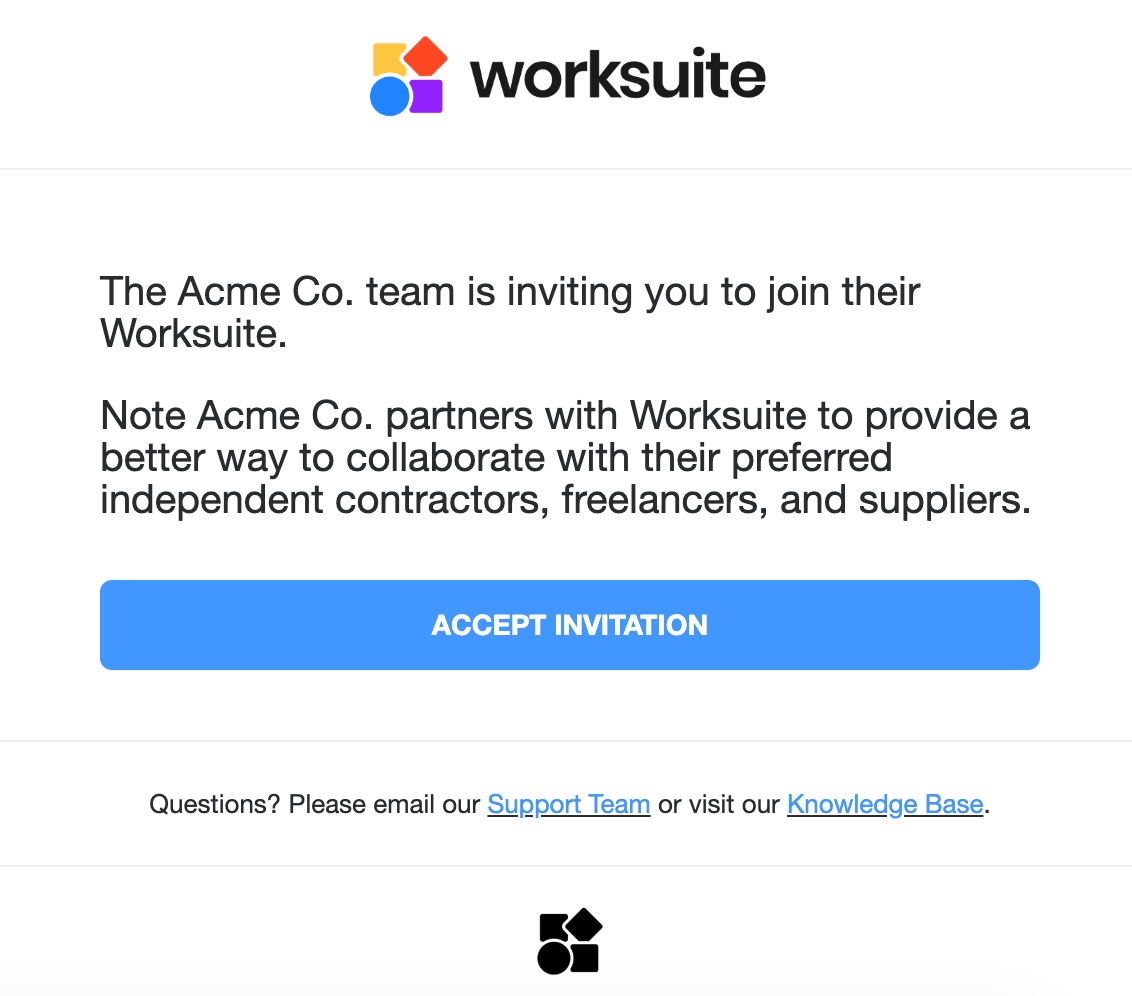
Customizable Email Features
- Company logo
- Color theme
- Active links (support, knowledge base, terms, and privacy policy)
- Footer link (website, social media links, etc.)
- Font
- Selected wording
How to get custom branded emails
1. To start, email your Business Solution Architect or Worksuite Support at support@worksuite.com with the information below.
- Company logo with no background
- HEX colors
- Active links as referenced above
- Font style (if a new style is desired)
- The email address that emails should be sent from (ex. no-reply@yourcompany.com)
- The name the emails should be sent from (ex. company name)
2. An implementation specialist will design a sample template based on the information provided and send you a sample for approval.
3. Once the sample is approved, your specialist will design the remaining templates, and the Worksuite product team will complete the final configuration for testing.
4. When testing is complete, the new emails are live!
Please note that this process takes 1-3 weeks to be completed.
Support/Resources
Still have questions about custom branding? Click Support in the bottom-left corner of Worksuite to contact our Support team, or email support@worksuite.com. Including a link to the page you're on and a screenshot helps us answer faster.