
Create and adjust your Worksuite settings. There are two types of settings - personal, which can be set by each team member, and company settings that need to be configured by an account administrator in your organization.
TABLE OF CONTENTS
- Adjust your personal settings
- Updating your email address & password
- Adjust your organization's basic settings
- Set your organization's branding
- Create your public portal
Adjust your personal settings
- Go to "Settings" by clicking on the bottom-left gear icon
- Select Personal settings
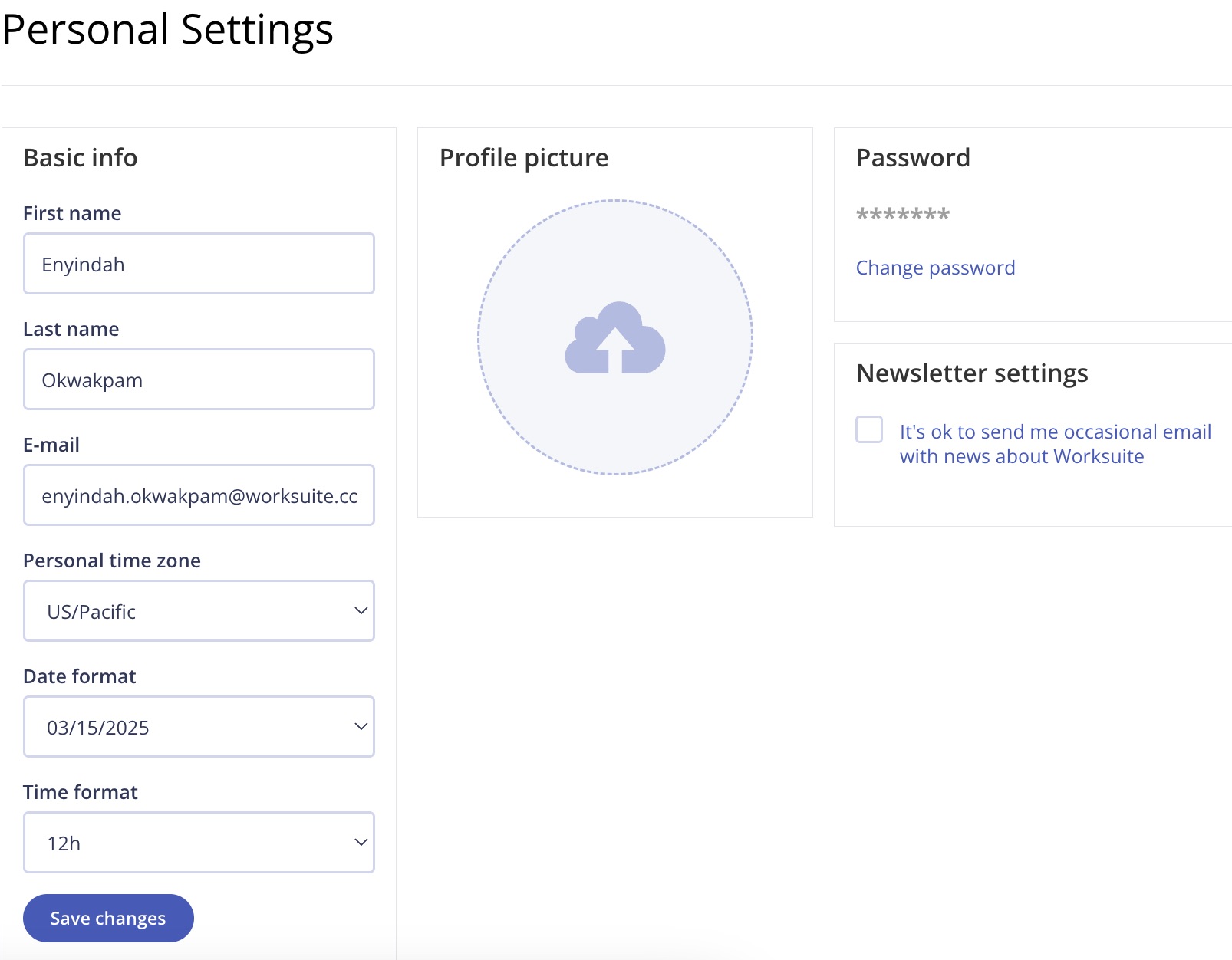
- Upload a profile photo, adjust your time zone, update your email address and password or set your date format
Updating your email address & password
- Go to "Settings" by clicking on the bottom-left gear icon
- Select Personal settings
- Change the address in E-mail and click Save changes.
- Open the confirmation email sent to your new address and click the link. Until then, keep logging in with your old email. If you've lost access to your old address, see How to Change the Login Email for Your Talent or Team Members.
To change your password, click Change password in the Password box on the Personal settings page, enter your old and new password, and click Save password.
Adjust your organization's basic settings
- Go to "Settings" by clicking on the bottom-left gear icon
- Click Account settings
- Adjust your organization's time zone, first day of the week, default date and time format, and distance units.

Once your talent have started reporting time in Timesheets, Time zone and First day of the week can't be changed. Contact Worksuite Support if you need to change them.
Set your organization's branding
- Go to "Settings" by clicking on the bottom-left gear icon
- Click Company profile
- Upload your logo, then choose a Menu background (a ready-made theme or your own HEX color) and, if shown, Buttons and Interactive elements colors. You can also upload a favicon.
Create your public portal
Your public portal is where new and current talent can find opportunities to work with you and can take action to express their interest. To set it up, go to Settings → Public portal. See Public Portals for each option.
Support/Resources
Still have questions about your account settings? Click Support in the bottom-left corner of Worksuite to contact our Support team, or email support@worksuite.com. Including a link to the page you're on and a screenshot helps us answer faster.